Virtual Outfit Builder: Create Outfits From Your Real Clothes
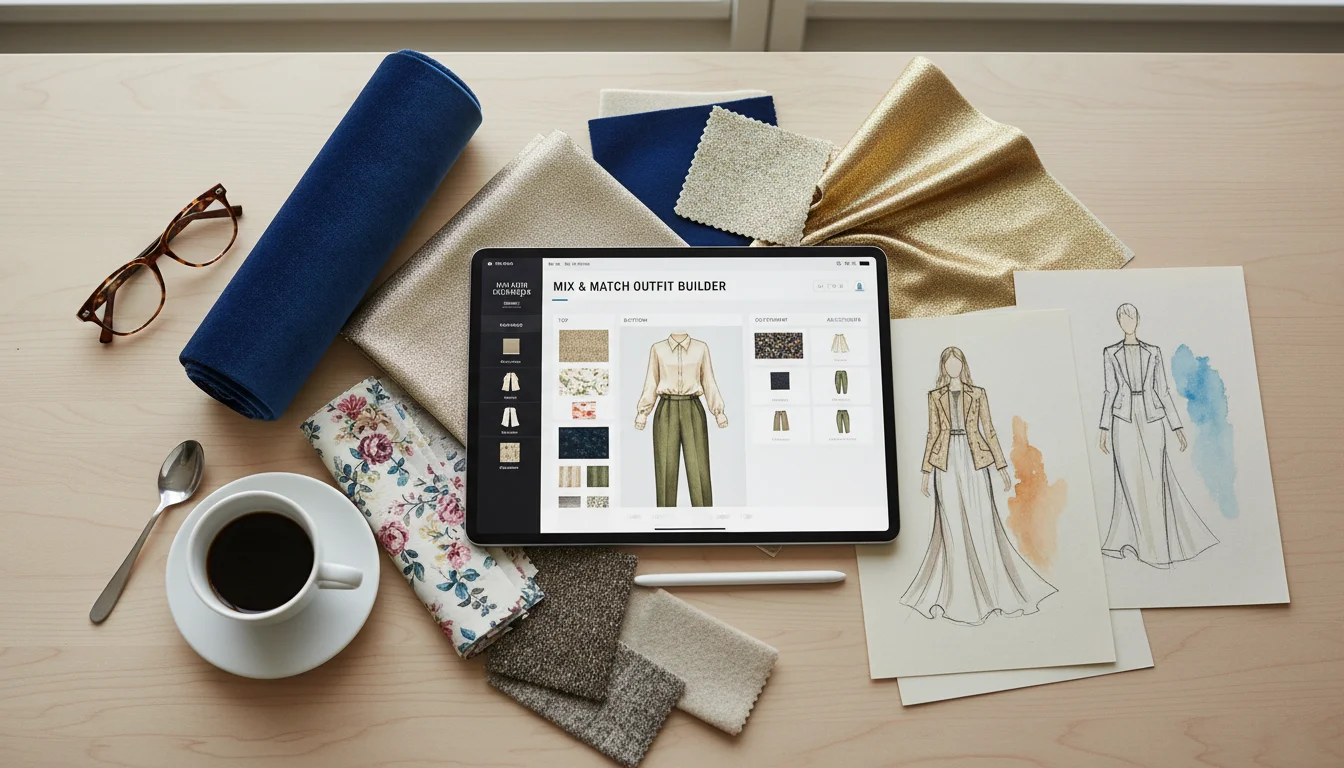
The Outfit Builder in FitInView is what happens when a flat-lay Instagram aesthetic meets real wardrobe planning powered by AI. It is a visual canvas where you assemble outfits by dragging your actual wardrobe items into slots - top, bottom, layer, dress, shoes, bag, and accessories - then get AI feedback on the combination and see yourself wearing it with photorealistic virtual try-on. Think of it as a digital styling table connected to your entire closet.
This guide covers everything about the Outfit Builder: how the slot system works, how to use the flat-lay canvas effectively, what the AI review evaluates, how to try on assembled outfits, and practical tips for creating better outfit combinations from your real clothes.
How the Outfit Builder Works
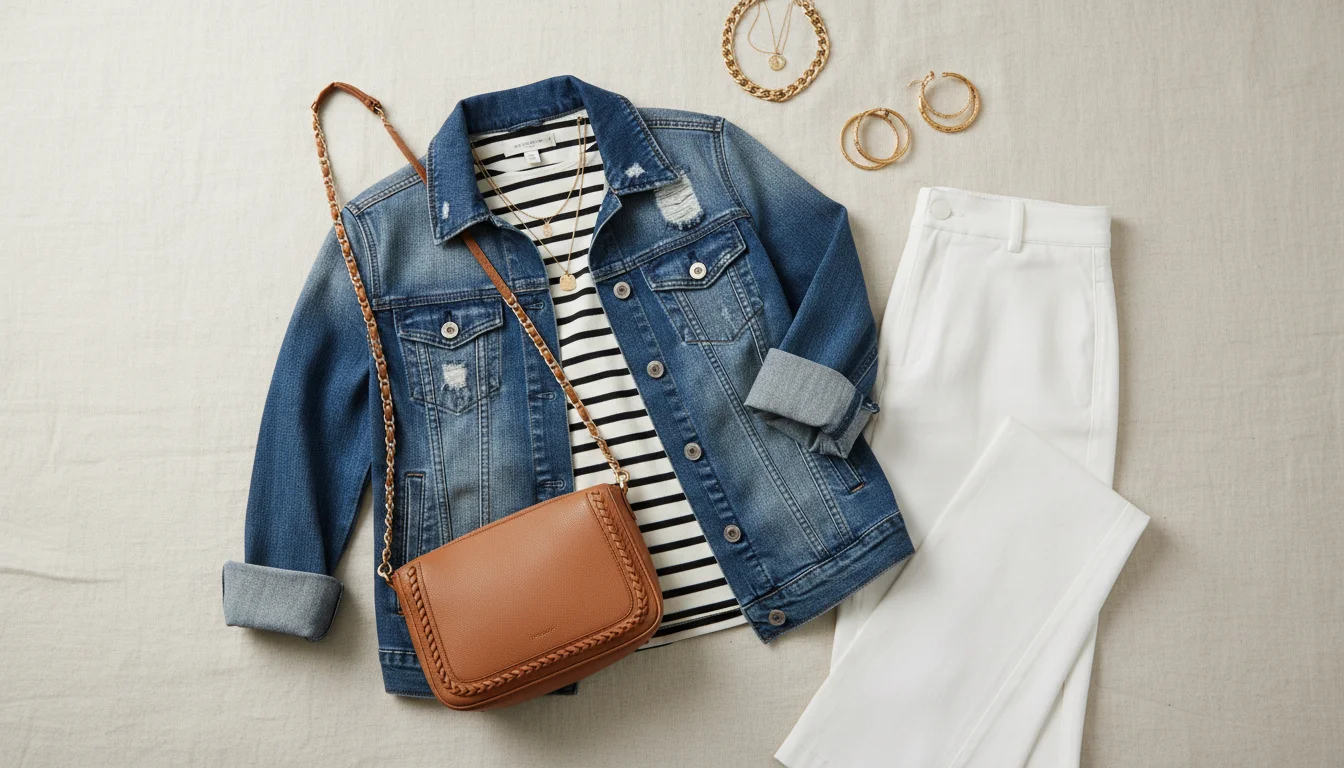
The Outfit Builder uses a slot-based system with seven zones, each representing a layer or category of a complete outfit:
- Top - shirts, blouses, tees, sweaters, tank tops, crop tops
- Bottom - pants, jeans, skirts, shorts, trousers, leggings
- Layer - jackets, coats, cardigans, blazers, vests, hoodies
- Dress - one-piece outfits like dresses, jumpsuits, and rompers (selecting a dress replaces the top and bottom slots)
- Shoes - sneakers, boots, heels, sandals, loafers, flats, oxfords
- Bag - handbags, backpacks, clutches, totes, crossbody bags
- Accessories - jewelry, hats, scarves, belts, watches, sunglasses
You do not need to fill every slot. A simple outfit might use only top, bottom, and shoes. A layered winter look might use all seven slots. The canvas adapts to show only the items you have placed.
The Flat-Lay Canvas Explained
The interface is split into two panels. On the left is the flat-lay canvas - a visual arrangement of your selected items displayed as they would look laid out on a surface. Each item appears with a slight rotation and natural positioning, creating the polished flat-lay aesthetic you see on fashion Instagram accounts.
On the right is a wardrobe browser where you scroll through your digitized items filtered by the slot you are currently filling. Tap a slot on the canvas (like 'Top'), and the browser shows all your tops. Tap an item to place it in the slot. Swap items freely by tapping a different option - the canvas updates instantly.
The flat-lay view serves an important purpose beyond aesthetics: it lets you evaluate color combinations and visual balance at a glance. Items are shown at their true proportions relative to each other, so you can see whether a chunky sweater overwhelms slim trousers, or whether the colors of your shoes clash with your bag.
AI Outfit Review: What the AI Evaluates
Once you have assembled an outfit, tap 'Review' to get AI feedback. The AI evaluates your combination across four dimensions:
- Color harmony - Does the color palette work together? Are there complementary tones, analogous schemes, or effective neutrals? The AI flags clashing colors and suggests alternatives.
- Style coherence - Do all items belong to the same style family? A formal blazer paired with athletic shorts gets flagged. A casual tee with tailored chinos gets approved as smart-casual.
- Occasion appropriateness - Based on the outfit's formality level, the AI rates it for different occasions: casual, business casual, smart casual, formal, and active. You see which settings the outfit suits.
- Seasonal fit - Is the outfit appropriate for the current season? A wool coat layered over a tank top in summer gets a weather mismatch warning.
The AI does not just give a score - it provides specific commentary and actionable suggestions. It might say 'The brown belt competes with the black shoes. Try swapping to your tan belt for a more cohesive look' or 'This outfit reads business casual. Add your navy blazer to push it to business formal for the client meeting.' Each review uses a different AI persona with a slight mood and style bias, so feedback stays fresh and varied across reviews.
Virtual Try-On from the Canvas
The 'Try On' button is where the Outfit Builder becomes truly powerful. It generates a photorealistic image of you wearing the assembled outfit - all items together, properly layered, with accurate colors and proportions on your body. You choose the quality level:
- Quick - fast preview in 5-8 seconds, good for rapid experimentation when you are trying many combinations (10 credits)
- HD Pro - high-resolution output in 15-25 seconds, ideal for final decisions or sharing with friends (20 credits)
- Ultra 4K - pixel-perfect detail in about 60 seconds, showing fabric textures, patterns, and fine stitching (30 credits)
Seeing the outfit on yourself instead of on a flat-lay canvas bridges the imagination gap. Sometimes an outfit looks great laid out but does not flatter your proportions - and vice versa. A combination you might dismiss on the canvas could look fantastic on your body. The try-on resolves this uncertainty and helps you make confident decisions.
Practical Tips for Building Better Outfits
After watching thousands of users build outfits in the Outfit Builder, certain patterns emerge that consistently produce better results:
Start With a Hero Piece
Begin with the one item you definitely want to wear - maybe a new jacket, a favorite pair of jeans, or a statement blouse. Place it first, then build around it. This gives you an anchor and makes the rest of the outfit easier to assemble.
Follow the Three-Color Rule
Aim for no more than three colors in a single outfit. One dominant color, one complementary or contrasting color, and one neutral. The AI review will flag outfits with too many competing colors, but keeping this rule in mind from the start speeds up the process.
Use Accessories to Elevate
A simple top-and-bottom combination becomes a styled outfit when you add the right accessories. A belt that matches your shoe color, a scarf that picks up an accent color from your top, or a watch that adds polish - these details are what the AI review often suggests when it says an outfit needs 'one more element.'
Try Unexpected Combinations
The Outfit Builder removes the friction of physically getting dressed and undressed. Use this to experiment with combinations you would never try in front of a mirror. Pair that formal jacket with casual jeans. Try your hiking boots with a dress. Some of the best outfits come from breaking your usual patterns, and the low cost of experimentation in the builder encourages creative risk.
Save, Organize, and Reuse Outfits
Save assembled outfits to your collection for quick access later. You can tag them by occasion (work, weekend, date night, travel), season (summer, winter, transitional), or any custom label that works for your life. Saved outfits also feed into FitInView's daily suggestions - the AI prioritizes combinations you have already approved, so your daily recommendations get better the more outfits you save.
Many users build a library of go-to outfits for common scenarios: Monday work outfit, Friday casual, Saturday errands, dinner out. When the morning arrives, they open their saved outfits instead of starting from scratch. It turns getting dressed from a daily decision into a pre-made choice.
Mobile Experience
On mobile, the canvas collapses to a compact strip at the top of the screen, giving you maximum browsing space for the wardrobe browser below. Slots appear as a horizontal rail you can scroll through by swiping. Tap a slot to highlight it, browse items below, and tap to place. The full experience works well on phones - it was designed mobile-first and optimized for one-handed use.
On desktop and tablet, the side-by-side layout gives you the full canvas on the left and a larger browsing grid on the right. Both layouts support drag-and-drop for placing and rearranging items on the canvas.
Related Posts
- How to Mix and Match Your Clothes Virtually with AI - Styling tips and color theory for virtual outfit planning
- How to Upload Your Clothes and Try Them On Virtually - Getting your wardrobe into the app
- Never Ask What Should I Wear Again - How saved outfits feed into daily AI suggestions