How to Try On Clothes From Your Own Closet Virtually
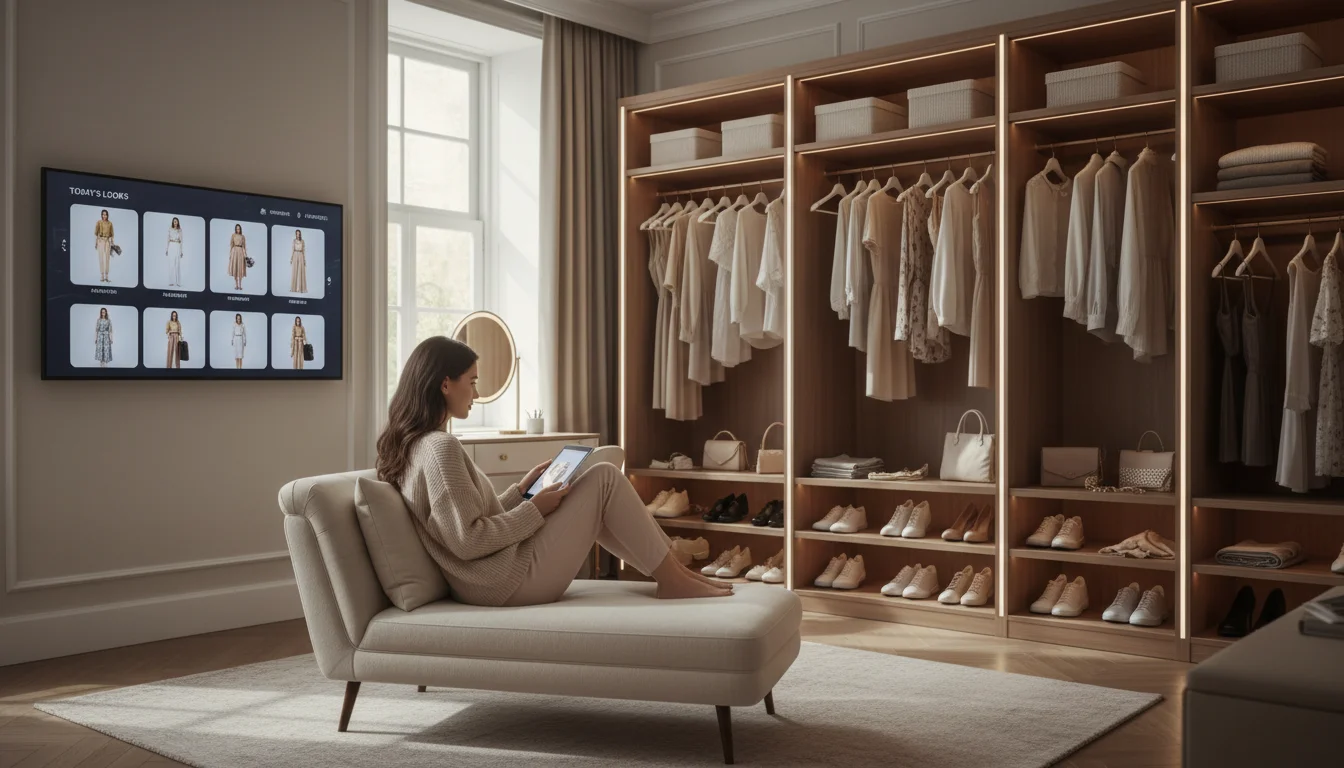
Most virtual try-on apps only work with items from online stores. You upload a selfie, pick something from their catalog, and see a preview. But what about the clothes already hanging in your closet? What if you could see yourself wearing that blazer with those jeans — without physically trying them on?
With FitInView, you can try on clothes virtually from your own closet. This guide walks you through every step of the process, from digitizing your wardrobe to generating photorealistic try-on images with your real clothes. Whether you are planning tomorrow’s outfit or rediscovering forgotten items buried in the back of your closet, virtual closet try-on changes how you get dressed.
Why Try On Clothes From Your Closet Virtually?
According to various wardrobe studies, most people regularly wear only a fraction of what they own. That means a large portion of your wardrobe may sit untouched - not because the clothes are bad, but because you cannot visualize how they work together without physically putting them on. Virtual try-on from your own closet helps solve this problem.
Here are the most common reasons people use virtual closet try-on:
- Morning outfit planning — see how clothes look on you before getting dressed, saving 15-20 minutes of daily decision time
- Rediscovering forgotten items — the AI surfaces pieces you have not worn in months and shows you new ways to combine them
- Event preparation — try five outfit options for a wedding, interview, or date night without changing once
- Shopping smarter — see how a potential new purchase looks with clothes you already own before spending money
- Travel packing — preview complete outfits for a trip to pack efficiently and avoid the problem of bringing the wrong clothes
Step 1: Digitize Your Wardrobe
Before you can try on your own clothes virtually, the app needs to know what you own. FitInView offers three ways to add items, and most users combine all three depending on how their clothes are stored:
- Video Scanner — Film your closet and AI identifies each garment automatically. This is the fastest method for large wardrobes. Point your phone at your hanging clothes, slowly pan from left to right, and the AI isolates each item, removes the background, and categorizes it.
- Individual Photo — Take a photo of a single item laid flat or on a hanger. AI removes the background and categorizes it instantly. Best for folded items in drawers or pieces that are not currently hanging.
- Manual Entry — For items you cannot photograph easily, add them with a description and the AI fills in details. Useful for items in storage or dry cleaning.
The scanner is the breakthrough feature that makes virtual closet try-on practical. Point your phone at your hanging clothes, slowly pan across, and the app isolates each item individually. Most users can digitize their entire wardrobe in under 15 minutes — a one-time investment that unlocks unlimited outfit combinations. For a detailed walkthrough of the scanning process, see our wardrobe scanner guide.
Tips for Better Wardrobe Scanning
- Space garments slightly apart on the rod so the AI can distinguish between items
- Use good lighting in your closet — natural daylight or a bright overhead light works best
- Pan slowly and steadily — quick movements produce blurry frames that are harder to process
- Scan one rod or shelf at a time rather than trying to capture everything in a single sweep
- For folded items in drawers, use the individual photo mode — unfold each item briefly and snap a photo
Step 2: Upload a Personal Photo
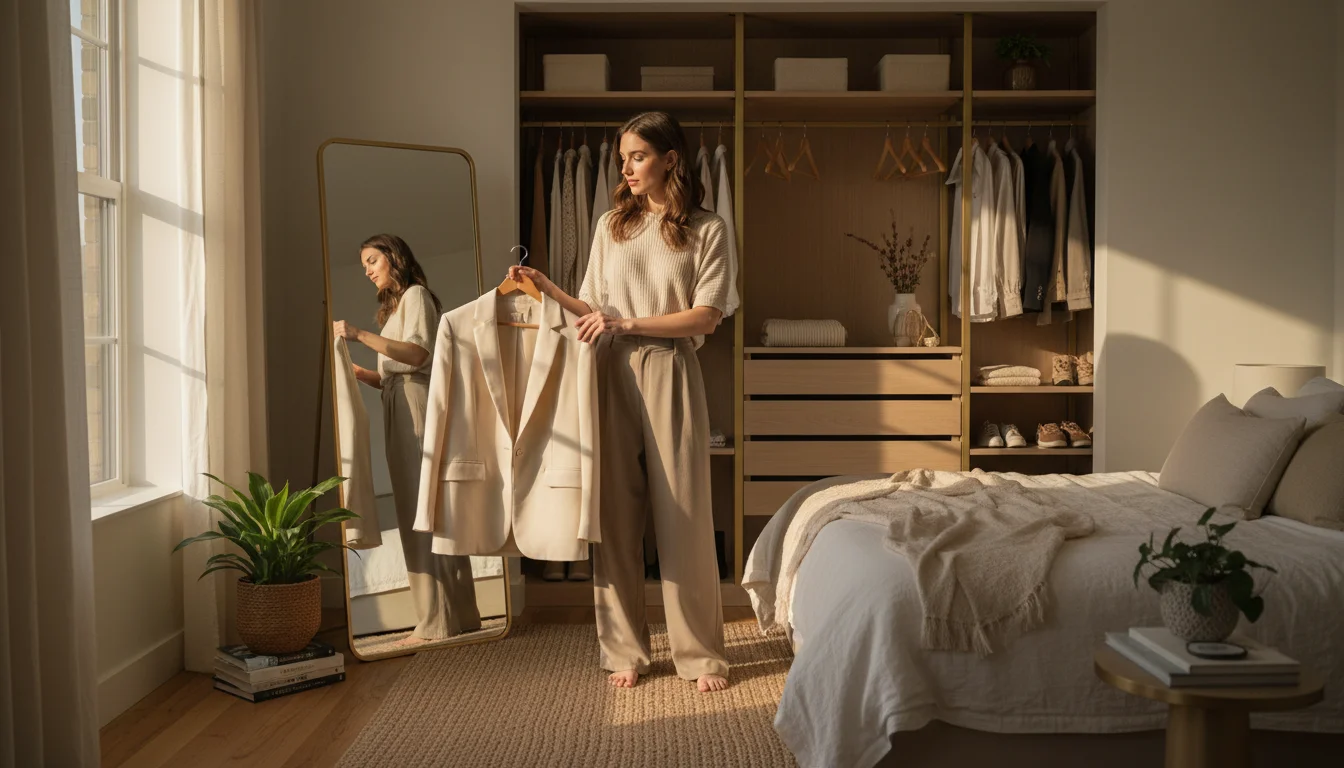
You need one clear photo of yourself as the base for virtual try-on. This is the image the AI will use to generate you wearing different outfits. A full-body shot works best, but FitInView can also work with upper-body photos — it extends the frame as needed for lower-body items like pants and skirts.
Photo Tips for the Most Realistic Results
The quality of your base photo has a huge impact on how realistic the try-on results look. Follow these guidelines for the best output:
- Stand against a simple, uncluttered background — a plain wall is ideal. Busy backgrounds with furniture, patterns, or other people can confuse the AI.
- Use natural or bright indoor lighting — even lighting across your body prevents harsh shadows that distort the result. Avoid standing directly under a single overhead light.
- Face the camera directly with a relaxed, natural pose — arms slightly away from your body gives the AI more room to render garments accurately.
- Wear fitted clothing — the AI replaces what you are wearing, so it does not matter what you have on. But loose or bulky clothes make it harder for the AI to detect your body shape accurately.
- Use a full-body shot when possible — while the AI can extend half-body photos, starting with a full-body image produces the most natural-looking results for all garment types.
- Avoid strong backlighting — if a window is behind you, the photo will be too dark. Face toward the light source instead.
You only need to upload your photo once. FitInView saves it for future try-on sessions, and you can add multiple photos if you want to see outfits from different angles or in different lighting conditions.
Step 3: Try On Any Combination From Your Closet
With your wardrobe digitized and your photo uploaded, you can start seeing how your clothes look on you virtually. Navigate to any item in your wardrobe and tap the try-on button. The AI generates a photorealistic image of you wearing that item in 5-15 seconds depending on the quality level you choose.
There are three ways to trigger a virtual try-on from your closet:
- From item detail — open any garment in your wardrobe and tap ‘Try On’ to see that single item on you. Great for quickly checking how individual pieces look.
- From Outfit Builder — assemble a complete outfit on the flat-lay canvas (top, bottom, shoes, accessories), then hit ‘Try On’ to see the entire combination on yourself. This is the most powerful way to plan outfits. Learn more in our outfit builder guide.
- From Style Twin — ask the AI stylist for outfit suggestions and tap ‘Try On’ on any recommendation to see it on you instantly.
Choosing the Right Quality Level
FitInView offers three quality tiers for virtual try-on, each suited to a different moment in your outfit planning:
- Quick (Flash) — 5-8 seconds, good quality, best for rapid browsing and checking multiple options. Uses fewer credits.
- HD Pro — 15-25 seconds, high resolution with detailed fabric rendering. Best for final decisions and sharing with friends.
- Ultra 4K — about 60 seconds, four times the detail of HD. Best for special purchases where you want to see fabric texture, pattern alignment, and stitching.
For daily outfit planning, Quick mode is usually sufficient. Save HD and Ultra 4K for important decisions like event outfits or expensive purchases.
Step 4: Compare, Save, and Decide
Try-on results are saved in your history automatically. You can compare different outfit combinations side by side, share results with friends for a second opinion, or save favorites to a looks collection. This is especially useful for planning outfits for upcoming events — you can try five options in a few minutes without touching your closet.
The comparison workflow is simple: generate two or three try-on images of different outfit options, view them in your history, and pick the winner. Some users screenshot their top options and send them to a group chat for feedback. Others use the saved looks feature to build a rotating weekly outfit plan.
Which Clothes Work Best for Virtual Try-On?
Virtual try-on works with all garment types, but some produce more impressive results than others. Here is what to expect across different categories:
Best Results
- Structured garments — blazers, jackets, coats, and tailored pieces render beautifully because their shape is well-defined
- Solid colors — the AI handles solid-colored items with high accuracy for color matching and fabric texture
- Dresses — one-piece outfits produce clean results because there are no layering complications
- Shoes — footwear renders well, especially when combined with a full-body base photo
Good Results
- Patterned fabrics — stripes, plaids, and florals work well, especially in HD and Ultra 4K modes where the detail is visible
- Knitwear — sweaters and cardigans show texture well in higher quality modes
- Layered outfits — the AI handles shirt-under-blazer and similar combinations effectively when garment zones are clear
Challenging (But Still Workable)
- Sheer or translucent fabrics — the AI sometimes struggles with see-through materials
- Very loose or draped items — extremely flowy garments like capes or oversized shawls can look slightly off
- Detailed accessories — small items like delicate jewelry may not render with full precision at lower quality levels
Common Problems and Solutions
Even with a good setup, you may occasionally encounter issues. Here are the most common problems and how to fix them:
- Garment looks too flat — try a different base photo with clearer body contours, or switch to HD Pro mode for better fabric draping
- Colors look slightly off — this usually happens with dim or yellowish lighting in your base photo. Retake the photo with natural daylight for the most accurate color reproduction.
- Face looks different — ensure your base photo has good, even lighting. The AI sometimes adjusts skin tone to match the garment lighting conditions.
- Lower body is missing or looks awkward — if you used a headshot or upper-body photo, the AI extends the frame. Results improve significantly with a full-body starting photo.
- Generation fails — simplify the request (fewer items, a clearer garment photo) and try again. Complex combinations with 5 items occasionally need a retry.
- Wrong item detected by scanner — you can manually correct any miscategorization in your wardrobe. Delete incorrect items and re-add them with individual photos.
Why Virtual Closet Try-On Changes How You Get Dressed
Many people tend to rotate the same small set of outfits despite having a full closet. Virtual try-on with your own clothes helps you rediscover forgotten items and find combinations you would never have considered. It also makes morning outfit decisions faster - check your options in the app before you even open the closet door.
There is also a financial benefit. When you can see how a potential new purchase looks with clothes you already own, you make smarter buying decisions. That jacket looks great on the model — but does it work with your existing pants and shoes? Virtual try-on answers that question before you spend money, reducing returns and impulse purchases.
Users who digitize their full wardrobe and use try-on regularly often find they wear a larger percentage of their clothes, spend less on unnecessary new purchases, and feel more confident in their daily outfits. The initial 15-minute scanning investment can pay for itself quickly.
If you want to explore more ways to combine your wardrobe items, check out our guide to mixing and matching clothes virtually or learn how the Style Twin AI stylist can suggest outfits from your closet automatically.