Best Virtual Try-On Apps in 2026: Compared & Ranked

Virtual try-on technology matured rapidly in 2025 and continues to push boundaries in 2026. What used to require dedicated hardware in a retail store now works from your phone with a single selfie. But the quality gap between apps is enormous - some produce cartoon overlays, others generate images you would mistake for real photos.
We compared the most popular virtual try-on apps on the same set of garments and photos to give you an honest, detailed comparison. Whether you are shopping online, planning outfits from your own closet, or just curious about the best virtual try-on apps in 2026, this guide covers everything you need to know.
If you have ever returned an online purchase because it looked nothing like you expected, or spent twenty minutes trying on outfits in a dressing room, virtual try-on technology is built to solve exactly those problems. But not all solutions are equal - and picking the wrong one can waste your time. Here is what we found after weeks of testing.
How We Tested These Virtual Try-On Apps
To make this virtual try-on app comparison fair, we used the same methodology for every app. We created a standardized test set: three different body types (petite, average, plus-size), five garment categories (tops, bottoms, dresses, outerwear, accessories), and three photo scenarios (studio-quality selfie, casual smartphone photo, slightly dim indoor photo).
We evaluated each AI try-on app on five core criteria:
- Image realism - Does the result look like a real photograph? Are fabric textures, shadows, and draping convincing?
- Speed - How long from upload to result? Speed matters when you are browsing multiple items.
- Store compatibility - Can you try on items from any store, or only partner brands?
- Wardrobe integration - Can you try on clothes you already own, not just items for sale online?
- Price - What does it actually cost to use regularly? Are there hidden limits on the free tier?
We also looked at secondary factors: multi-item try-on (can you try a full outfit at once?), body diversity (does the AI respect different body shapes?), and ease of use (how many taps to go from wanting to see something to getting a result?).
Quick Comparison Table: Best Virtual Try-On Apps 2026
| App | Realism | Speed | Any Store | Own Wardrobe | Multi-Item | Price |
|---|---|---|---|---|---|---|
| FitInView | Photorealistic (multi-model AI) | 5-15 sec | Yes - URL or photo | Yes | Up to 5 items | Free tier + credits from $2.49 |
| Google Shopping Try-On | Good on supported items | 3-5 sec | Google Shopping only | No | No | Free |
| Zeekit (Zara) | Good for Zara items | 2-4 sec | Zara only | No | No | Free (in-app) |
| Vue.ai | Moderate | 10-20 sec | Partner brands | No | No | Enterprise pricing |
| Amazon Virtual Try-On | Moderate (shoes/glasses) | 2-3 sec | Amazon only | No | No | Free |
1. FitInView — Best Overall Virtual Try-On App
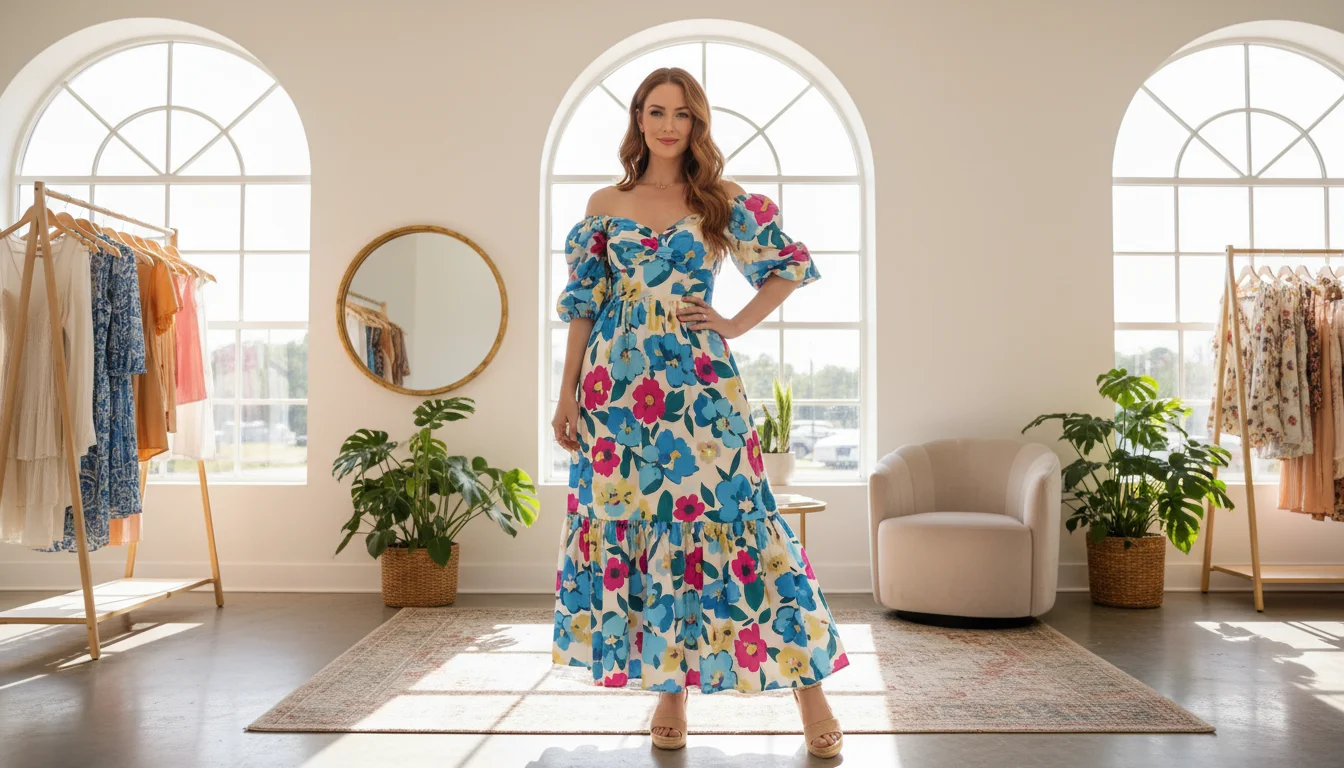
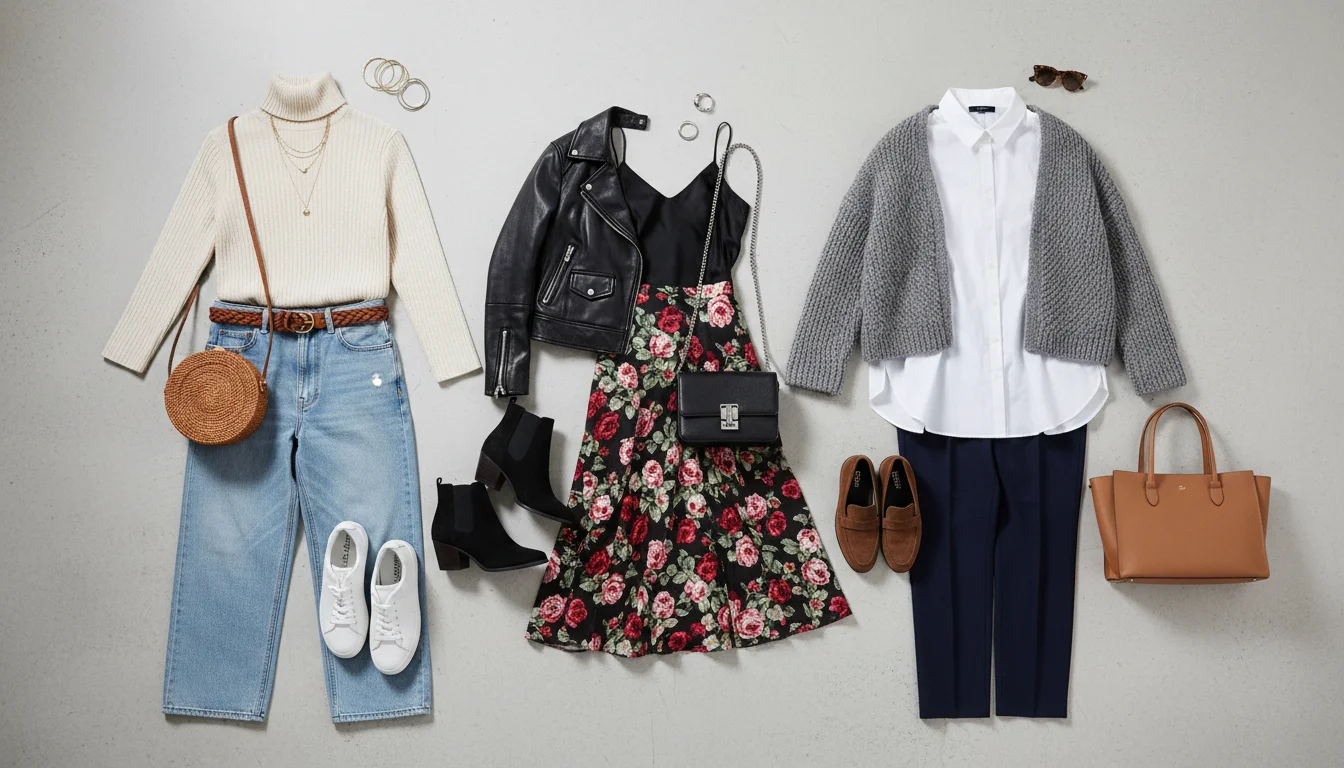
FitInView stands out because it is not locked to any single retailer. You can paste a product URL from Amazon, ASOS, Zara, H&M, or any online store — or upload a photo of something you saw in person. It also lets you try on items from your own digitized wardrobe, which no other app in this list offers. This makes it the best virtual try-on app for people who shop across multiple stores or want to plan outfits from their existing closet.
The underlying AI uses multiple models depending on the quality level you choose. Flash mode delivers results in 5-8 seconds and is ideal for quick browsing. HD Pro mode takes 15-25 seconds but produces higher-resolution output with finer fabric detail. The new Ultra 4K mode renders at four times HD resolution - perfect for inspecting patterns, textures, and stitching on special purchases.
Multi-item try-on lets you combine up to five pieces in a single generation: top, bottom, outerwear, shoes, and an accessory. This is a major advantage over competitors that only support single-item try-on, because an outfit is more than one piece — you need to see how everything works together on your body.
Beyond try-on, FitInView includes a full wardrobe management suite: a video scanner that digitizes your closet in minutes, an AI personal stylist (Style Twin) that suggests outfits from your real clothes, an outfit builder with drag-and-drop canvas, and daily outfit suggestions based on weather and your calendar. This makes it more than a try-on tool — it is a complete wardrobe companion. For more on the wardrobe features, see our guide to the best AI wardrobe apps.
FitInView Pros
- Works with any store — paste a URL or upload a photo of any garment
- Try on clothes you already own from your digitized wardrobe
- Multi-item try-on (up to 5 pieces in one image)
- Three quality tiers: Quick, HD, and Ultra 4K
- Integrated wardrobe scanner, AI stylist, and outfit builder
- Preserves your actual body shape, skin tone, and proportions
- Works on web, iOS, and Android
FitInView Cons
- HD and Ultra 4K modes take longer (15-60 seconds)
- Free tier has limited credits — regular use requires a paid plan or credit pack
- Requires wardrobe setup for closet try-on (though the scanner makes this fast)
2. Google Shopping Try-On — Best Free Option for Online Shopping
Google’s virtual try-on feature is integrated directly into Google Shopping search results. When available, you will see a ‘Try on’ button on product listings. Upload a selfie and the AI generates an image of you wearing the item. The results are solid and fast — typically 3-5 seconds.
The main advantage is that it is completely free and built into Google, which many people already use for shopping. The technology handles standard clothing categories well: tops, dresses, and outerwear produce convincing results. Google uses its own AI models, and the quality is genuinely good on supported items.
The limitation is clear: it only works with products from partnered retailers within Google Shopping. You cannot upload your own garment photo, try on items from stores outside Google’s network, or use your own wardrobe. There is no multi-item try-on — you see one piece at a time. For shoppers who browse primarily through Google, this is a solid free tool. For anyone who needs more flexibility, it falls short.
Google Shopping Try-On Pros
- Completely free with no usage limits
- Fast results (3-5 seconds)
- Good realism on supported product categories
- Built into Google Shopping — no separate app needed
Google Shopping Try-On Cons
- Only works with Google Shopping partner retailers
- Cannot try on your own clothes or upload garment photos
- Single-item only — no multi-item outfit try-on
- Limited garment categories supported
- No wardrobe management or outfit planning features
3. Zeekit (Zara) — Best for Zara Shoppers
Zara acquired Zeekit in 2021 and integrated virtual try-on into the Zara app. It works well within the Zara catalog — you upload a photo and see yourself wearing their items. The technology is polished and fast, with results in 2-4 seconds. Zeekit was one of the pioneers of AI try-on, and their technology shows maturity.
The limitation is obvious: it only works with Zara products. If you shop across multiple stores (and most people do), you need a separate solution for everything else. There is no way to upload your own garment, try on items from other brands, or see how a Zara top pairs with pants from H&M.
For dedicated Zara shoppers, this is a great built-in tool that reduces returns and helps you make faster purchasing decisions. For everyone else, it covers only a fraction of your shopping needs.
Zeekit (Zara) Pros
- Very fast results (2-4 seconds)
- Good realism within the Zara catalog
- Free and built into the Zara app
- Smooth user experience on mobile
Zeekit (Zara) Cons
- Only works with Zara products
- Cannot try on your own clothes or items from other stores
- No wardrobe integration or outfit planning
- Single-item try-on only
4. Vue.ai — Best for Enterprise Retailers
Vue.ai is primarily a B2B solution that powers virtual try-on for fashion retailers. Individual consumers rarely interact with it directly — instead, you encounter it embedded on certain e-commerce websites. When you see a virtual try-on button on a smaller fashion retailer’s product page, there is a good chance Vue.ai powers it behind the scenes.
The quality varies significantly depending on the retailer’s implementation, the models they trained on, and how much customization they invested in. Some deployments produce decent results; others feel basic. Vue.ai also offers broader AI capabilities like personalized product recommendations and catalog tagging that retailers find valuable but consumers never see directly.
For individual users, Vue.ai is not something you download and use — you encounter it in the wild. It fills an important role in the ecosystem by bringing try-on capability to retailers who do not have the engineering resources to build their own, but it is not a consumer product you choose.
Vue.ai Pros
- Available on multiple retailer websites without installing an app
- Some implementations produce good results
- Continuously improving as the platform matures
Vue.ai Cons
- Not a consumer app — you cannot download it yourself
- Quality varies widely by retailer implementation
- No wardrobe integration or personal use
- Enterprise pricing makes it inaccessible to individuals
5. Amazon Virtual Try-On — Best for Shoes and Glasses
Amazon offers virtual try-on for shoes and eyewear using AR (augmented reality) through the Amazon app. Instead of uploading a photo, you use your phone’s live camera — the AR overlays shoes onto your feet or glasses onto your face in real time. This works well for accessories where fit and look are the primary concerns.
The technology is limited to specific product categories. As of 2026, Amazon has not extended virtual try-on to general clothing — you cannot see yourself wearing a dress or a jacket through their app. For shoes and glasses, the AR approach is intuitive and fast. For anything else, Amazon does not offer a solution.
Amazon Virtual Try-On Pros
- Real-time AR — see items on you live through the camera
- Good for shoes and eyewear specifically
- Free and integrated into the Amazon app
- Large catalog of supported products in those categories
Amazon Virtual Try-On Cons
- Limited to shoes and glasses — no clothing try-on
- Only works with Amazon products
- AR overlay can feel less realistic than AI-generated photos
- No wardrobe integration or outfit planning
Virtual Try-On App Pricing Comparison
Cost is a major factor when choosing a virtual try-on app for regular use. Here is how the pricing breaks down across the major options in 2026:
| App | Free Tier | Paid Plans | Cost per Try-On |
|---|---|---|---|
| FitInView | Starter credits on signup (first try-on included) | Credit packs from $2.49/100; subscriptions from $7.49/mo | ~$0.05-0.25 depending on quality tier |
| Google Shopping | Unlimited (on supported items) | No paid plan | Free |
| Zeekit (Zara) | Unlimited (Zara items only) | No paid plan | Free |
| Vue.ai | Depends on retailer | Enterprise pricing | Varies by retailer |
| Amazon | Unlimited (shoes/glasses) | No paid plan | Free |
Google, Zara, and Amazon offer free try-on but with severe limitations on what you can try. FitInView charges credits but gives you universal access — any store, your own wardrobe, multi-item outfits. For occasional use, the free tiers across all apps may be sufficient. For regular use like daily outfit planning or frequent online shopping, FitInView’s credit system is the most flexible option available.
AI Try-On Technology: How It Actually Works
Understanding the technology behind virtual try-on helps explain why results vary so much between apps. There are two main approaches to virtual try-on technology in 2026:
Generative AI (Image Synthesis)
Apps like FitInView use generative AI models to create entirely new images. The AI analyzes your body pose, proportions, and the garment's shape, fabric, and color, then synthesizes a new photorealistic image where the garment drapes naturally on your body. This approach produces the most realistic results because the AI understands 3D form and lighting - it does not just paste a flat image on top of your photo. For a deeper dive into the technology, check our complete virtual try-on technology guide.
Augmented Reality (AR Overlay)
Amazon’s approach uses AR — it overlays a 3D model of the product onto your live camera feed. This works well for rigid objects like glasses and semi-rigid objects like shoes but struggles with flexible clothing that needs to drape and fold realistically. AR try-on is real-time, which feels interactive, but the visual realism is generally lower than generative AI for clothing items.
What to Look for in a Virtual Try-On App
Based on our extensive testing, here are the features that matter most when choosing a virtual try-on app in 2026:
- Universal store support — the best apps work with any store, not just partners
- Own wardrobe support — being able to try on clothes you already own, not just items for sale
- Multi-item try-on — seeing a complete outfit (top + bottom + shoes) in one image, not just individual pieces
- Multiple quality levels — quick previews for browsing, high-resolution for final decisions
- Body diversity — the AI should preserve your actual body shape, not use a standardized model
- Speed — anything over 30 seconds for a standard try-on disrupts the browsing flow
- Integration with styling — try-on is more useful when connected to outfit suggestions and wardrobe management
The Verdict: Which Virtual Try-On App Is Best in 2026?
If you want the most versatile AI try-on experience — one that works with any store, your own closet, and multiple items at once — FitInView is the strongest option in 2026. It is the only app that combines universal store support, wardrobe try-on, multi-item generation, and integrated outfit planning in a single platform.
If you primarily shop through Google and want a quick, free preview of products, Google Shopping’s built-in try-on is convenient and good enough for that specific use case. If you are a dedicated Zara shopper, their Zeekit integration is fast and polished within that ecosystem. If you mainly need to preview shoes or glasses, Amazon’s AR try-on is solid for those categories.
For most users — especially those who shop across multiple stores, want to plan outfits from their existing wardrobe, or use try-on as a daily styling tool — FitInView covers the widest range of use cases. The credit-based pricing means you pay for what you use, and the free tier gives you enough to evaluate whether the tool fits your workflow.
Ready to see yourself in any outfit? Try on your first look and see the difference AI-powered virtual try-on makes compared to the old overlay approach. You can also explore how to try on clothes from your own closet or learn about the full upload and try-on process.