How to Edit Outfit Photos With AI: Backgrounds, Colors and Lighting
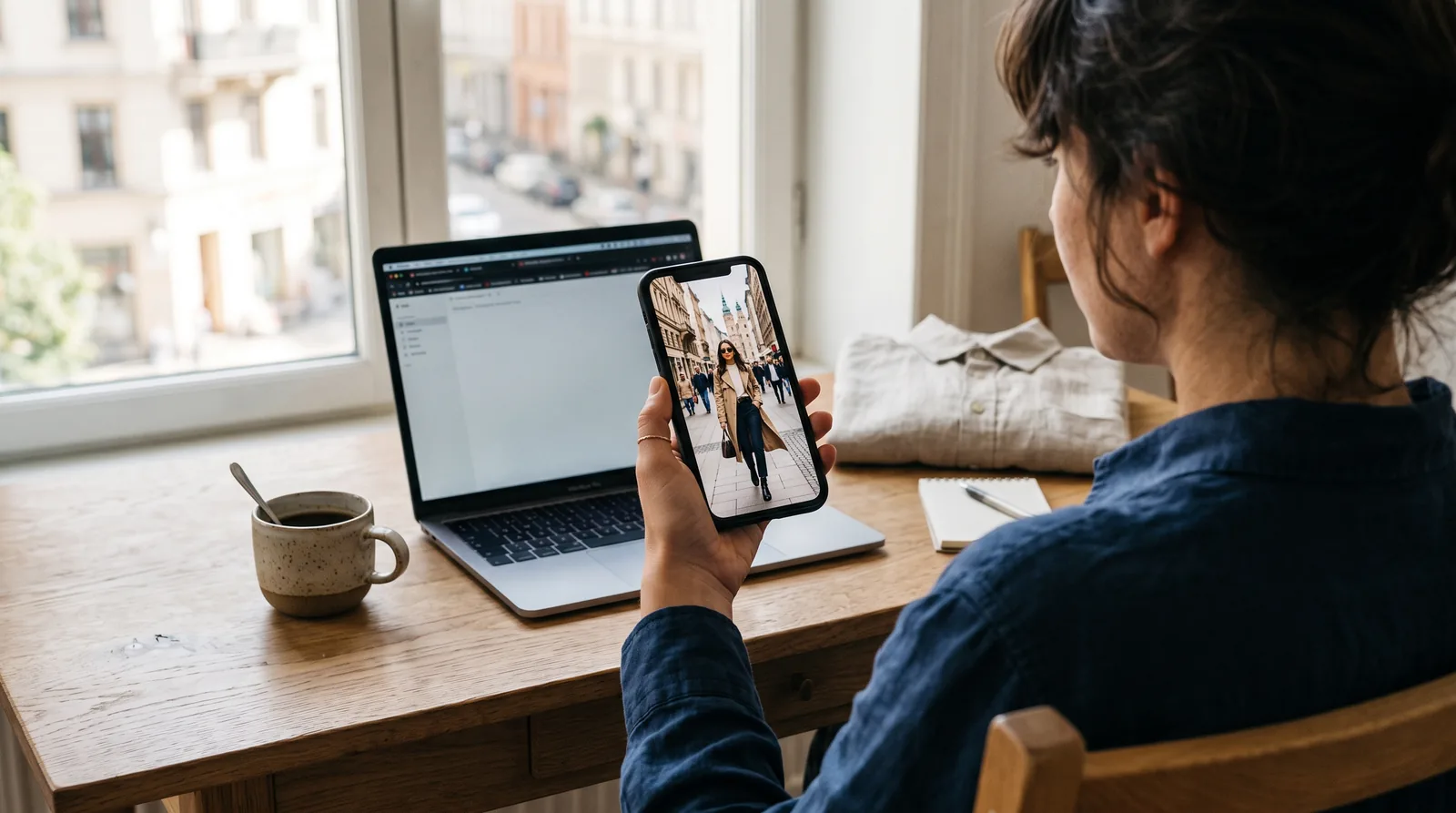
A few years ago, changing the color of a t-shirt in a photo meant an hour in Photoshop. Today you can type "make the t-shirt red" and get a convincing result in about ten seconds. AI photo editing is now good enough for outfit photos, resale listings, social posts and simply seeing an idea before you buy something.
This guide covers what AI editing does well, how to write prompts that get the result you want, and the limits worth knowing about.
What AI Photo Editing Is Good At
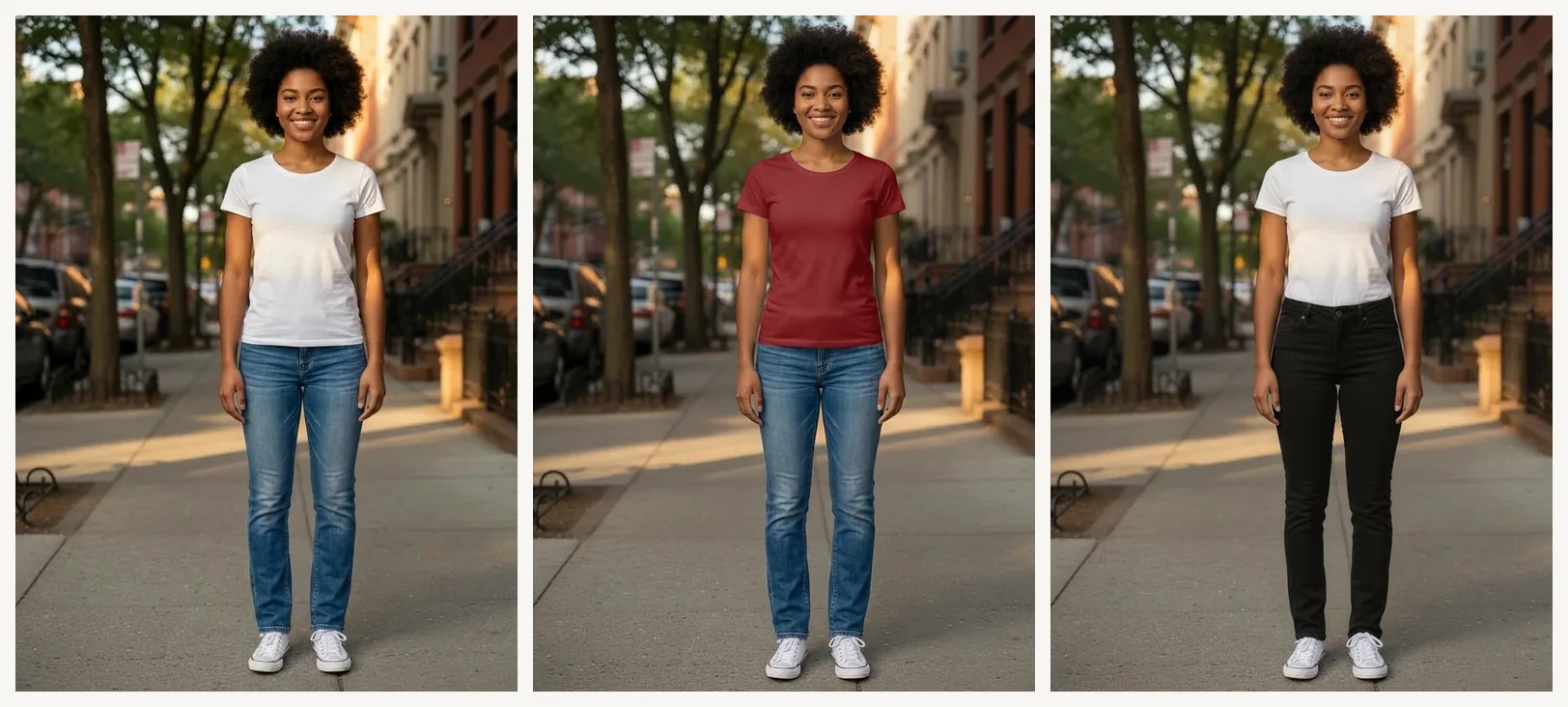
- Changing the color of a garment while keeping its folds, seams and shadows
- Replacing a cluttered background with a plain wall, a studio backdrop or a street
- Fixing flat or yellow indoor lighting
- Removing small distractions: a bag on the floor, a door frame, a stray cable
- Swapping one piece of an outfit for another
Where It Still Struggles
AI editors work by regenerating the part of the image you ask about, so some things are still hit and miss. Small text and logos often come out garbled. Hands and fingers can change shape. Very large changes (a new pose, a completely different body shape) tend to drift from the original person. And if an edit touches the face, results can look subtly different from the real person, so it is best to leave faces alone.
How to Write Prompts That Work
- Name the item: "make the jeans black" works better than "make it darker"
- One change at a time: two quick edits usually beat one long instruction
- Say what to keep when it matters: "replace the background with a white wall, keep the shadows on the floor"
- Describe the look, not the technique: "soft natural window light" rather than "raise exposure by 20%"
- If a result is close but not right, undo and rephrase rather than stacking corrections
Edit Just One Part of the Photo
Sometimes you only want to change one area: the shoes, a bag, the sky behind someone. In FitInView's Photo Editor you open Tools, paint over the area with the brush, then describe what should replace it. Only the painted area changes, which keeps the rest of the photo exactly as it was.
Put Clothes From Your Wardrobe Into the Photo
If your clothes are saved in FitInView, the Wardrobe button lets you pick an item and ask the editor to dress the person in it, for example "swap the jacket for this blazer". It is a quick way to test a combination before you get dressed or before you buy something new.
Background Ideas for Outfit Photos
- Plain white or light grey: clean for resale listings
- Soft studio backdrop: looks professional without looking staged
- City street in daylight: natural for everyday outfits
- Warm indoor setting: good for knitwear and loungewear
Saving and Exporting
In FitInView every AI edit is saved to your gallery automatically, and you can undo any step. A standard download is free. For print or high-resolution listings you can export at 2K or 4K. A quick edit costs 5 credits, a higher-quality HD edit 10; crop, flip and brightness adjustments are free.
Use It Honestly
AI editing is great for previews, social posts and better-looking photos of things you own. If you sell clothes, keep the item itself accurate: changing the background or the lighting is fine, but changing the color of a garment you are selling would mislead the buyer. And only edit photos of people who are happy for you to do so.