How to Try a New Hair Color Before You Dye It
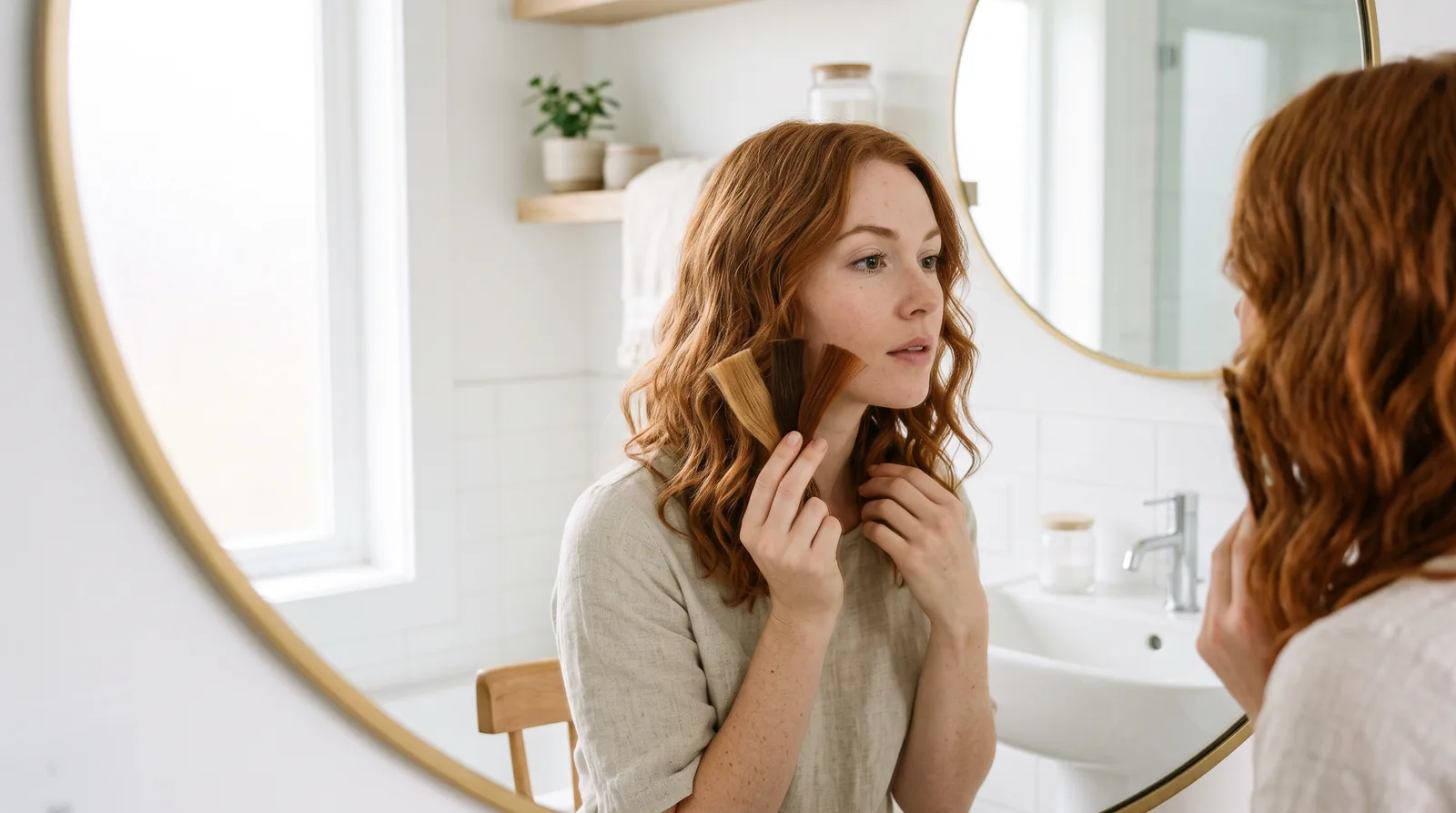
A new hair color is one of the biggest changes you can make to how you look, and one of the slowest to undo. Going much lighter often means bleach; going back can mean months of growing out. So it makes sense to see the color on yourself first.
Ways to Preview a Hair Color
- Swatches and color rings at the salon: accurate color, but hard to imagine on your whole head
- Wigs and clip-in pieces: realistic, but you need the exact shade in stock
- Camera filters: quick and fun, but they often tint everything, including your skin
- AI try-on on your own photo: shows the whole look on you, with only the hair color changed
Each has its place. An AI preview is the quickest way to compare several colors side by side; a strand test at the salon is still the best way to see how your own hair takes the dye.
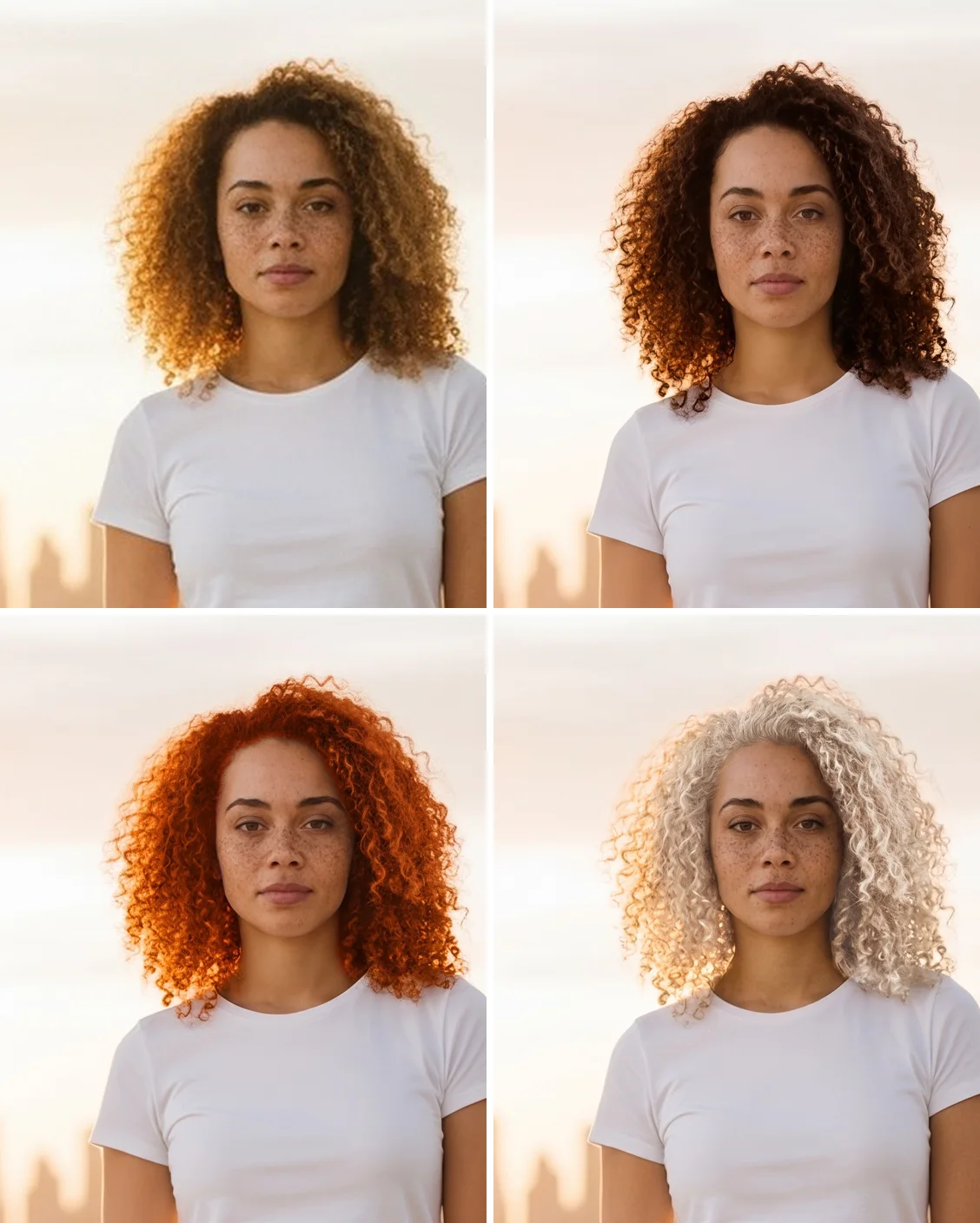
Take the Right Photo
- Face the camera in daylight, ideally near a window
- Wear your hair the way you usually do, loose and visible around your face
- Avoid hats, headbands and heavy filters
- Use a recent photo: your current color, length and skin tone all affect how the result looks
Choosing a Shade That Suits You
Skin undertone is the most useful starting point. If the veins on your wrist look greenish and gold jewelry suits you, that often points to a warm undertone; bluish veins and a preference for silver suggest a cool one. Many people are somewhere in between.
- Warm undertones often suit golden blonde, copper, auburn and warm chocolate brown
- Cool undertones often suit ash or platinum blonde, cool brown and black
- Neutral undertones can usually wear both; strawberry blonde and soft light brown are easy options
- Contrast matters: very light hair with very dark brows, or the reverse, makes a bold statement
These are tendencies, not rules. That is exactly why seeing the color on your own face is so useful: plenty of people love a shade the charts say they should avoid. For specific changes, see our guides to copper and red hair, going from brown to blonde and going gray.
From Preview to Salon
Save the preview you like and take it to your appointment, along with a photo of your current hair in daylight. Colorists talk in levels (usually 1 for black to 10 for the lightest blonde) and tones (warm, cool, neutral); a picture makes that conversation much easier than describing "a sort of warm, not-too-orange copper."
How FitInView's Hair Color Preview Works
Open Hair Color in the FitInView app, add a clear photo of yourself and choose from ten shades, from Platinum blonde and Golden blonde to Copper red, Black and Silver gray. The result appears next to your original with a before/after slider and is saved under "Your hair colors", so you can compare shades later. Only the hair color changes; your face, cut and background stay as they are.
Your first Quick preview is covered by the starter credits you get with a free account; HD and 4K versions use more credits. If you would rather not create an account, you can also buy a small pack of previews and use them right away.