How to Find Clothes From a Photo (and Cheaper Lookalikes)
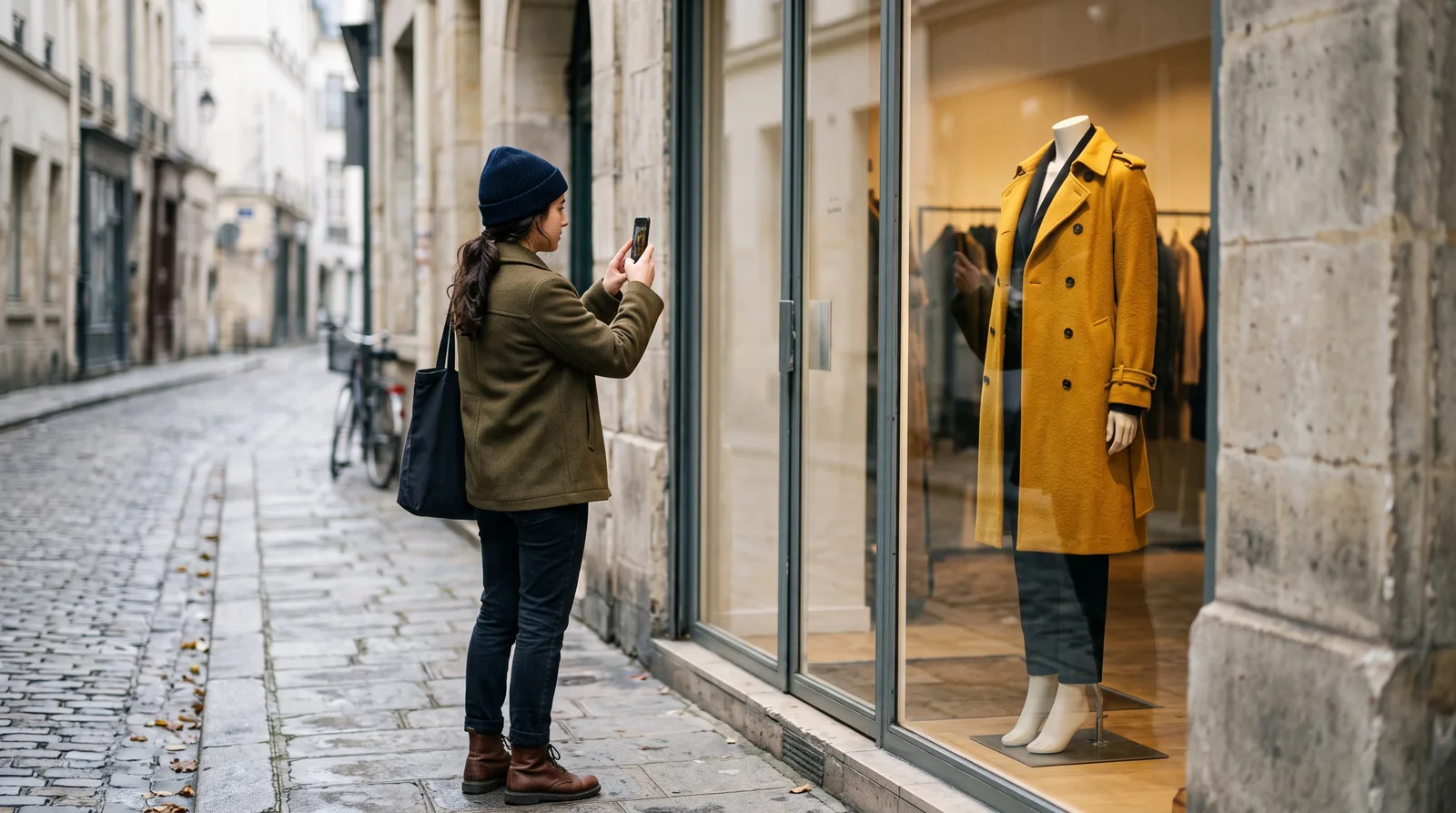
You see a coat in a shop window, a jacket on someone in a café or a top in an Instagram post, and there is no label in sight. Typing "mustard yellow coat" into a search engine gives you thousands of results that look nothing like it. Searching with the photo itself is usually far faster.
How Visual Search Works
Visual search tools compare the shapes, colors and details in your photo with millions of product images from online shops. Good ones also try to recognise the brand from details such as a logo, a distinctive pocket or a typical cut, and then look in that brand's shop first. The result is a list of exact matches when the item is still sold, and similar items when it is not.
Take a Photo That Searches Well
- Get the whole garment in frame: collar to hem, sleeve to sleeve
- Shoot straight on rather than at a steep angle
- Use daylight where you can; shop lighting and night photos shift colors
- Crop out other people and busy backgrounds before you search
- Screenshots work too: zoom in on the item first so it fills the image
Your Options
Google Lens is the best-known general tool and finds a lot, though its results mix shops, blogs and resale listings. Pinterest Lens is good for inspiration and similar styles rather than exact items. Some large retailers have visual search inside their own apps, which only shows their own stock.
FitInView's Find It is built for clothes specifically: it detects the brand where it can, searches shops in your country, and shows the exact match, similar items and the cheapest option side by side. It does not use any credits.
Finding Cheaper Lookalikes
Often the exact item is sold out or more than you want to spend. A lookalike can be a great alternative, but a few checks help you avoid a disappointing copy:
- Compare the fabric composition: a wool coat and a polyester one can look identical in photos and very different in person
- Look at the details that make the piece: the length, the collar, the buttons, the fit
- Check the size guide rather than assuming the usual size
- Read the return policy before buying from a shop you do not know
Before You Buy: See It On You
Finding the coat is half the job; the other half is knowing whether it suits you. With FitInView you can open any result and try it on a photo of yourself, so you see the color and length on you before ordering. That helps avoid the order-and-return cycle that makes online clothes shopping so frustrating.
When Visual Search Does Not Find It
Very new pieces, handmade items and vintage clothes are often not in any shop's catalog yet. In that case search with words that describe what makes it distinctive ("double-breasted mustard wool coat with storm flap"), or look at the similar results for a piece with the same feel.